


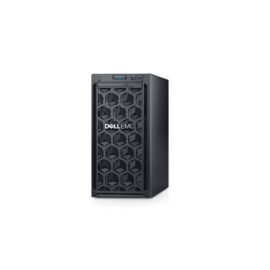



Description
With the smart power on function enabled, you can turn on the computer or wake it up from hibernation mode by pressing Alt+P on the keyboard. However, this function does not work if your computer is not compatible with the Lenovo Professional Wireless Keyboard. To solve this problem, download the Lenovo Super IO (SIO) Firmware Update Utility from the Lenovo Support Web site to update the firmware on your computer:

 Experience performance, expandability, security, and manageability tailored for the modernworkplace with the compact HP EliteDesk 800 Desktop Mini. It’s available in processor configurations to suit your business and budget and built to pair seamlessly with the HP Mini-in-One 24 Display


 The Lenovo 100 Wireless Combo Keyboard & Mouse is perfect for those looking for a wireless keyboard and mouse solution that just works.


