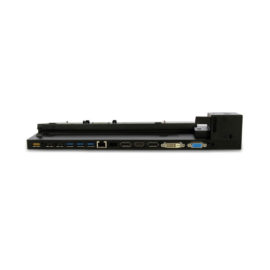
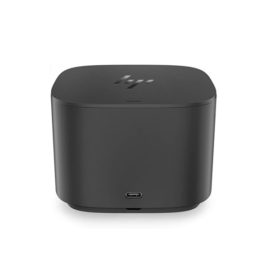
Description
Expand your view
Connect to up to two external displays with HDMI and DisplayPort™ ports.
High-speed networking and collaboration
Access your corporate network with an RJ-45 port. Enjoy seamless web conferencing with a combo headphone and microphone input that supports a headset and microphone capabilities on the connected notebook (if available).
Easy setup
Simply connect the included USB 3.0 cable to your notebook’s USB port, or use the included USB-C™ adapter to attach to your notebook’s USB-C™ port. The onboard memory starts the software installation without rebooting your device


 Designed to meet the needs of the graphic arts and creative industries with the versatility to serve general office requirements, the Pro9431 delivers vibrant, high-quality colour printing on a wide range of media, including gloss paper, film, transfer paper and waterproof paper.

 Ready to find your edge? Learn how we can help meet your application and infrastructure challenges with robust solutions at the point of data creation.




 The innovative side connector of the ThinkPad Pro Docking Station, designed exclusively for ThinkPad notebooks, provides a driver-free way to connect conveniently and securely to a range of USB accessories and external displays, while rapid charging support and a mirrored power button make it easy to disconnect and go. Designed for large enterprise environments, the ThinkPad Pro Docking Station supports PXE book, wake on LAN, and MAC address pass-through, simplifying asset management for IT managers.