


Description
Expand your view
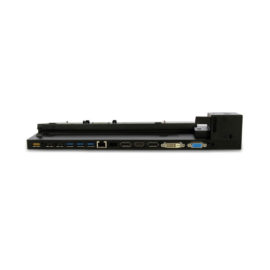
Connect to up to two external displays with HDMI and DisplayPort™ ports.
High-speed networking and collaboration
Access your corporate network with an RJ-45 port. Enjoy seamless web conferencing with a combo headphone and microphone input that supports a headset and microphone capabilities on the connected notebook (if available).
Easy setup
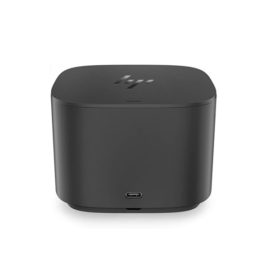
Simply connect the included USB 3.0 cable to your notebook’s USB port, or use the included USB-C™ adapter to attach to your notebook’s USB-C™ port. The onboard memory starts the software installation without rebooting your device


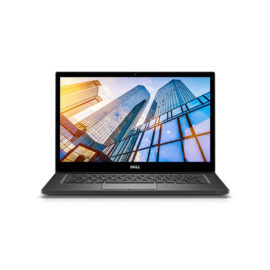
 With the power and intelligence of 10th Gen Intel® Core™ processing, the sleek ThinkPad E14 can run seamlessly all day—ideal for on-the-go professionals. As well as built-in security and reliability, it comes with a superb 14″ FHD display and exceptional audio, plus a host of options, including dual-drive storage, discrete graphics, and wide-screen IPS technology.