



Description
With the smart power on function enabled, you can turn on the computer or wake it up from hibernation mode by pressing Alt+P on the keyboard. However, this function does not work if your computer is not compatible with the Lenovo Professional Wireless Keyboard. To solve this problem, download the Lenovo Super IO (SIO) Firmware Update Utility from the Lenovo Support Web site to update the firmware on your computer:
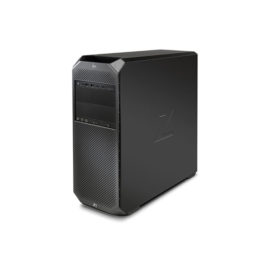


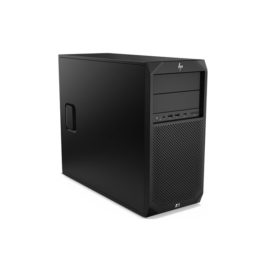


 PowerEdge R230 Rack Chassis with up to 4 Cabled Hard Drives, Intel, Xeon E3-1220 v6 3.0GHz, 8M cache, 4C/4T, turbo (72W), 8GB UDIMM, 1X1TB 7.2K RPM SATA 6Gbps 3.5in Cabled Hard Drive, iDRAC Basic, Perc H330,1U/2U Static Rails for 2-Post and 4-Post Racks, single cabled power supply, 250W

 The Lenovo 100 Wireless Combo Keyboard & Mouse is perfect for those looking for a wireless keyboard and mouse solution that just works.


