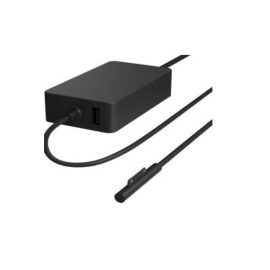
Description
| Weight | 0.00291 kg |
|---|---|
| Dimensions | 13.13 × 5.51 × 1.42 cm |
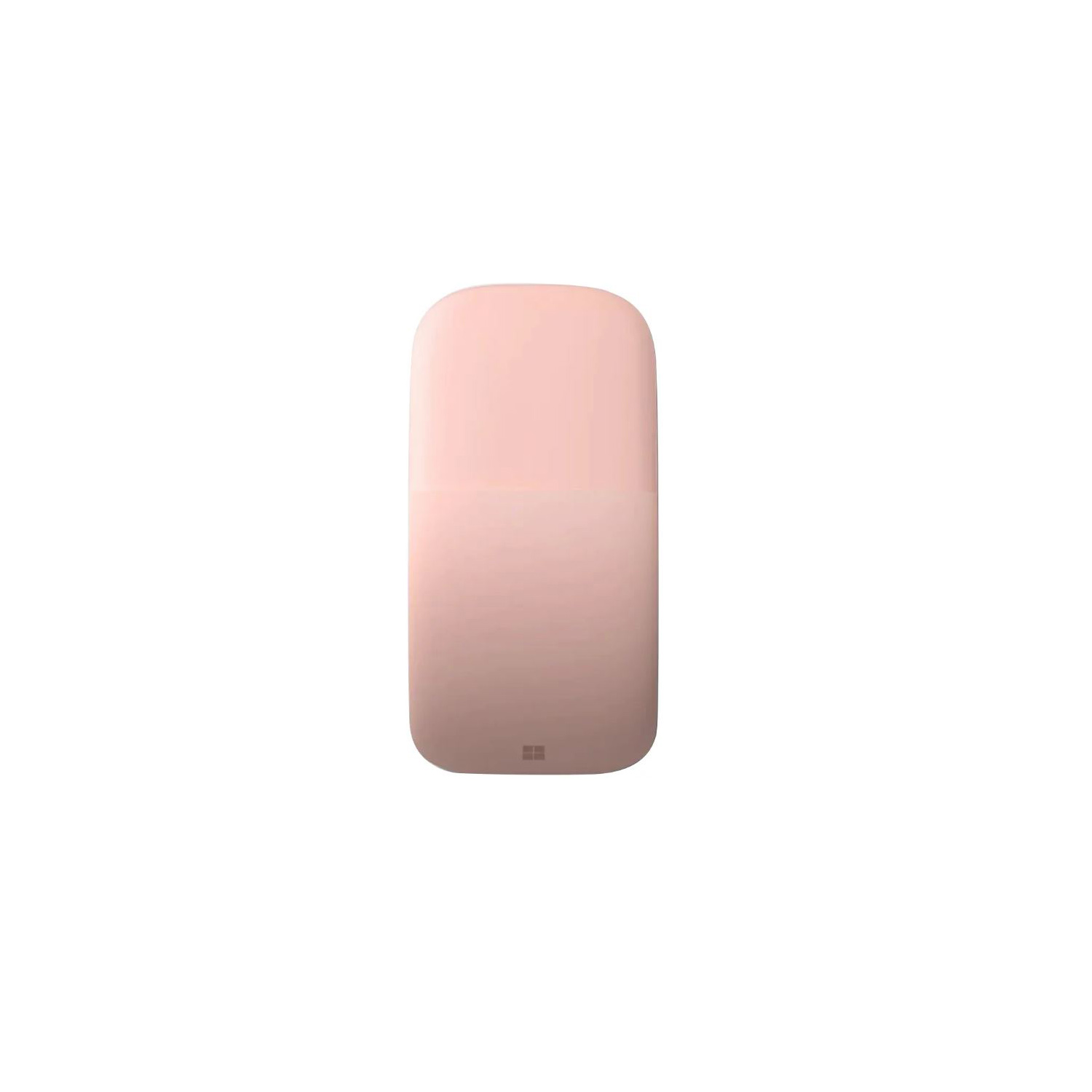
| Color | Black, Lilac, Sage, Soft Pink |


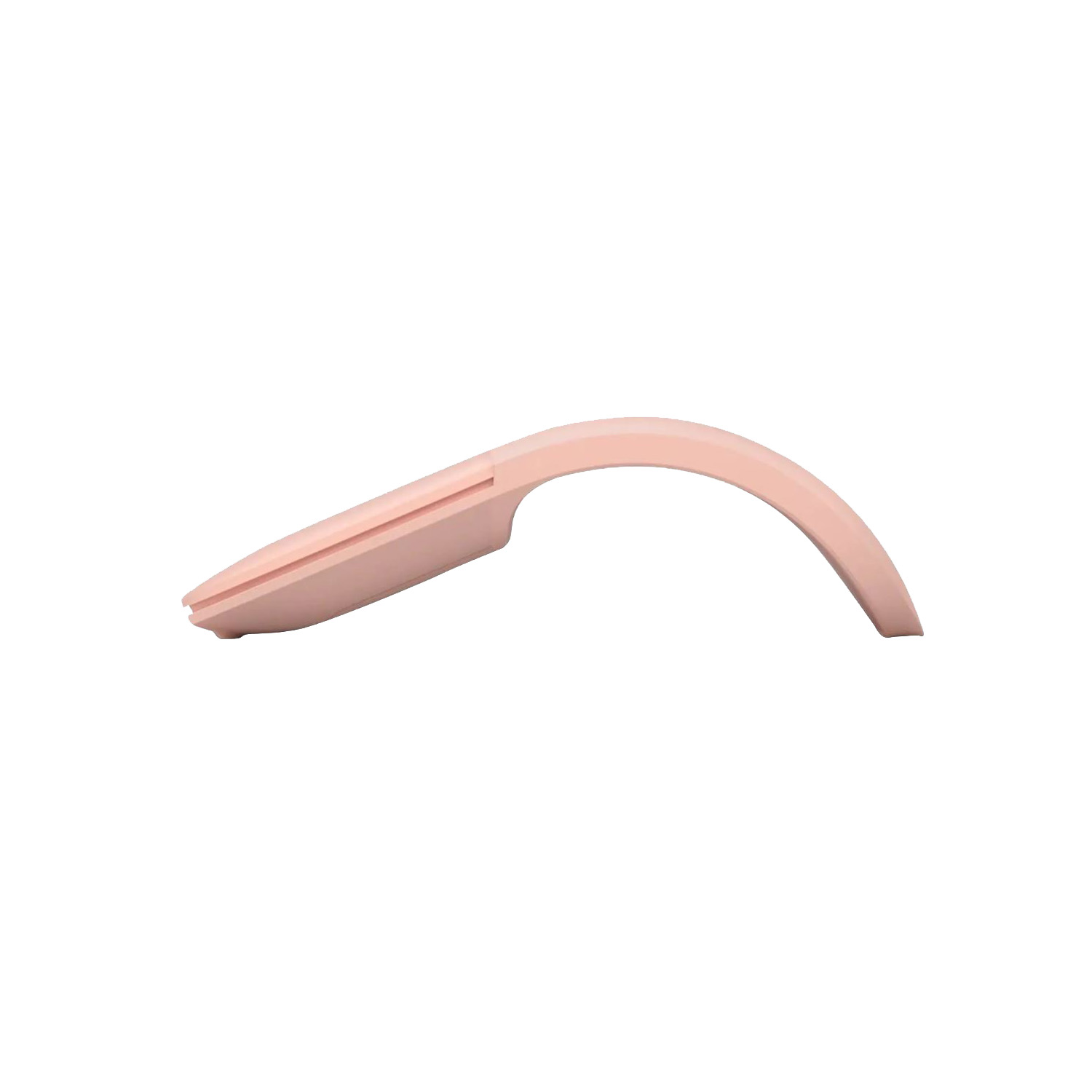


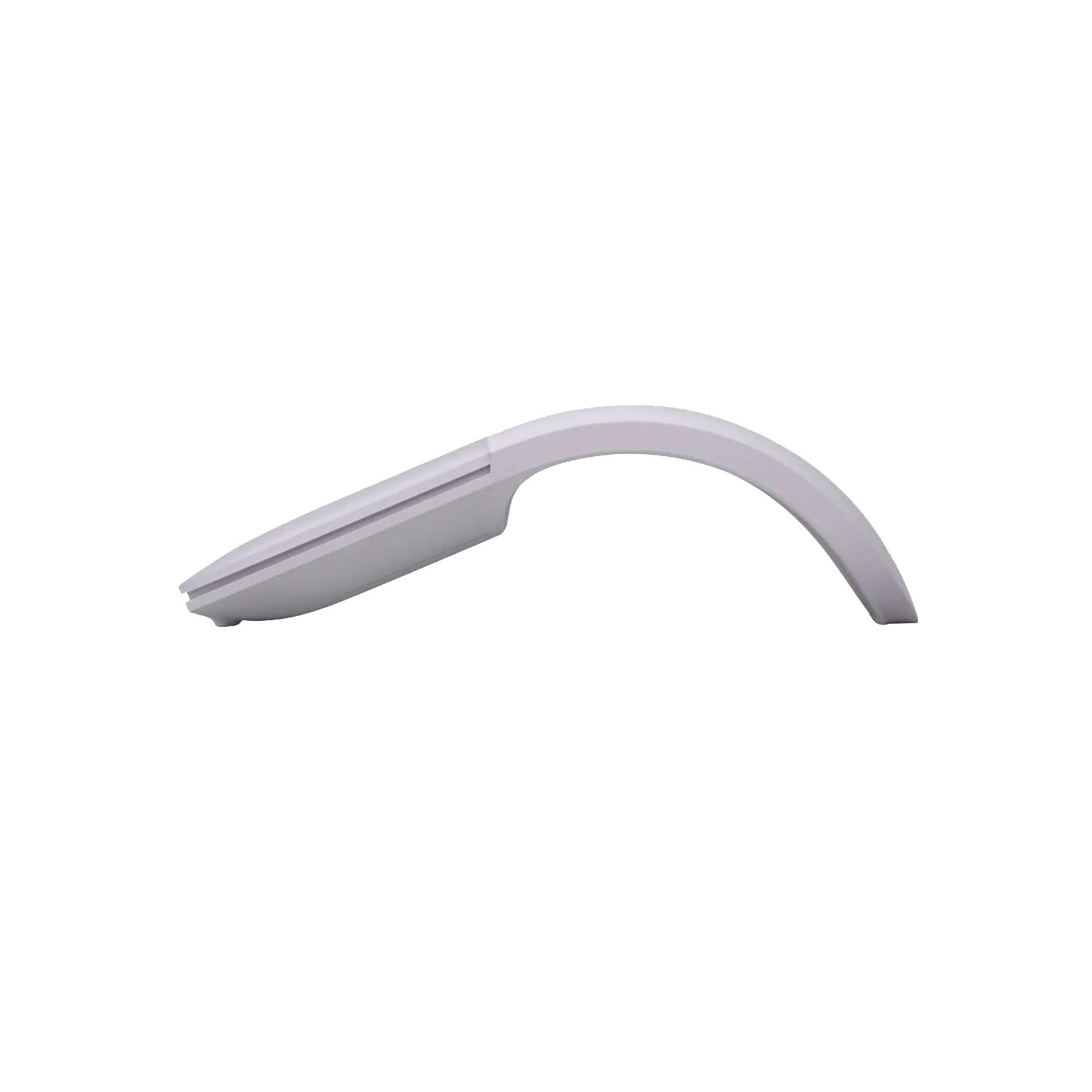



| Weight | 0.00291 kg |
|---|---|
| Dimensions | 13.13 × 5.51 × 1.42 cm |
| Color | Black, Lilac, Sage, Soft Pink |
| Weight | 0.00291 kg |
|---|---|
| Dimensions | 13.13 × 5.51 × 1.42 cm |
| Color | Black, Lilac, Sage, Soft Pink |
 The ThinkBook 14s features a sleek slim design with its mineral grey all-aluminum chassis and narrow bezel display. This 14-inch laptop offers more than just good looks—it’s packed with features, including Harman Kardon® speakers, a solid-state hard drive, and discrete graphics. And thanks to the new feature, Modern Standby, you can maintain internet connection and listen to music in standby mode.
The ThinkBook 14s features a sleek slim design with its mineral grey all-aluminum chassis and narrow bezel display. This 14-inch laptop offers more than just good looks—it’s packed with features, including Harman Kardon® speakers, a solid-state hard drive, and discrete graphics. And thanks to the new feature, Modern Standby, you can maintain internet connection and listen to music in standby mode.
The ThinkBook 14s features a sleek slim design with its mineral grey all-aluminum chassis and narrow bezel display. This 14-inch laptop offers more than just good looks—it’s packed with features, including Harman Kardon® speakers, a solid-state hard drive, and discrete graphics. And thanks to the new feature, Modern Standby, you can maintain internet connection and listen to music in standby mode.  The Lenovo USB-C to Ethernet Adapter is quick and easy way to connect your USB-C enabled notebook to Ethernet connections. It’s ideal for imaging of systems or transferring large files quickly.
The Lenovo USB-C to VGA Adapter turns an available USB-C port into a VGA display adapter for connecting to any display, projector or TV with VGA input. The Lenovo USB-C to VGA Adapter can be used to mirror your primary display or to extend your display to double your workspace.
The Lenovo USB-C to VGA Adapter turns an available USB-C port into a VGA display adapter for connecting to any display, projector or TV with VGA input. The Lenovo USB-C to VGA Adapter can be used to mirror your primary display or to extend your display to double your workspace.
The Lenovo USB-C to Ethernet Adapter is quick and easy way to connect your USB-C enabled notebook to Ethernet connections. It’s ideal for imaging of systems or transferring large files quickly.
The Lenovo USB-C to Ethernet Adapter is quick and easy way to connect your USB-C enabled notebook to Ethernet connections. It’s ideal for imaging of systems or transferring large files quickly.
The Lenovo USB-C to VGA Adapter turns an available USB-C port into a VGA display adapter for connecting to any display, projector or TV with VGA input. The Lenovo USB-C to VGA Adapter can be used to mirror your primary display or to extend your display to double your workspace.
The Lenovo USB-C to VGA Adapter turns an available USB-C port into a VGA display adapter for connecting to any display, projector or TV with VGA input. The Lenovo USB-C to VGA Adapter can be used to mirror your primary display or to extend your display to double your workspace.