



Description
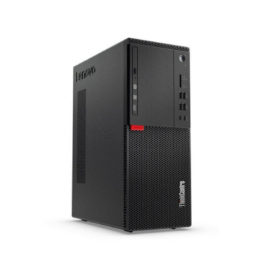
With the smart power on function enabled, you can turn on the computer or wake it up from hibernation mode by pressing Alt+P on the keyboard. However, this function does not work if your computer is not compatible with the Lenovo Professional Wireless Keyboard. To solve this problem, download the Lenovo Super IO (SIO) Firmware Update Utility from the Lenovo Support Web site to update the firmware on your computer:


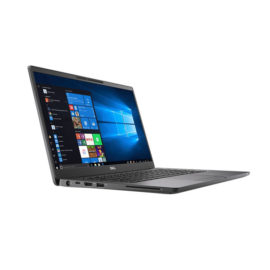
 The world’s smallest 14″ premium business-class notebook

 A compact, powerful A3 colour multifunction printer offering excellent print quality and copy functionality, the MC853 is ideal for small workgroups. Easy to use with a customisable interface, it combines low total cost of ownership with the functionality of higher-priced devices.


 With a wireless range of up to 10 m (33 ft), you can turn up the volume of your favorite video, browse the web, blog, chat and more, all from the comfort of your couch.

