



Description
Expand your view
Connect to up to two external displays with HDMI and DisplayPort™ ports.
High-speed networking and collaboration
Access your corporate network with an RJ-45 port. Enjoy seamless web conferencing with a combo headphone and microphone input that supports a headset and microphone capabilities on the connected notebook (if available).
Easy setup
Simply connect the included USB 3.0 cable to your notebook’s USB port, or use the included USB-C™ adapter to attach to your notebook’s USB-C™ port. The onboard memory starts the software installation without rebooting your device


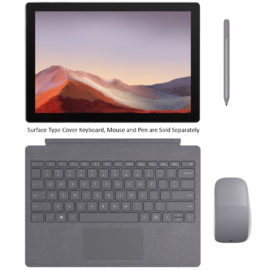

 With a wireless range of up to 10 m (33 ft), you can turn up the volume of your favorite video, browse the web, blog, chat and more, all from the comfort of your couch.

 Two powerful 5dBi antennas and 2×2 MIMO enhance wireless transmission to deliver broader wireless coverage with stronger signal intensity.


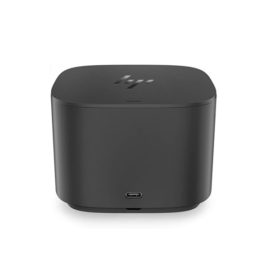


 The innovative side connector of the ThinkPad Pro Docking Station, designed exclusively for ThinkPad notebooks, provides a driver-free way to connect conveniently and securely to a range of USB accessories and external displays, while rapid charging support and a mirrored power button make it easy to disconnect and go. Designed for large enterprise environments, the ThinkPad Pro Docking Station supports PXE book, wake on LAN, and MAC address pass-through, simplifying asset management for IT managers.
 Dell Express Charge allows you to charge up to 80% in one hour